.png?width=150&height=36&name=kimoby-logo_g-black%20(2).png)
Overview
This section covers the full MPI workflow, from setup to follow-up: Creating a template from your existing inspection sheet, filling out the inspection, then create an estimate from the MPI or turn declined work into a campaign. Pick an action below to get started.
FAQs
Click any question to open a short in-app tour that shows you exactly how it works in Kimoby.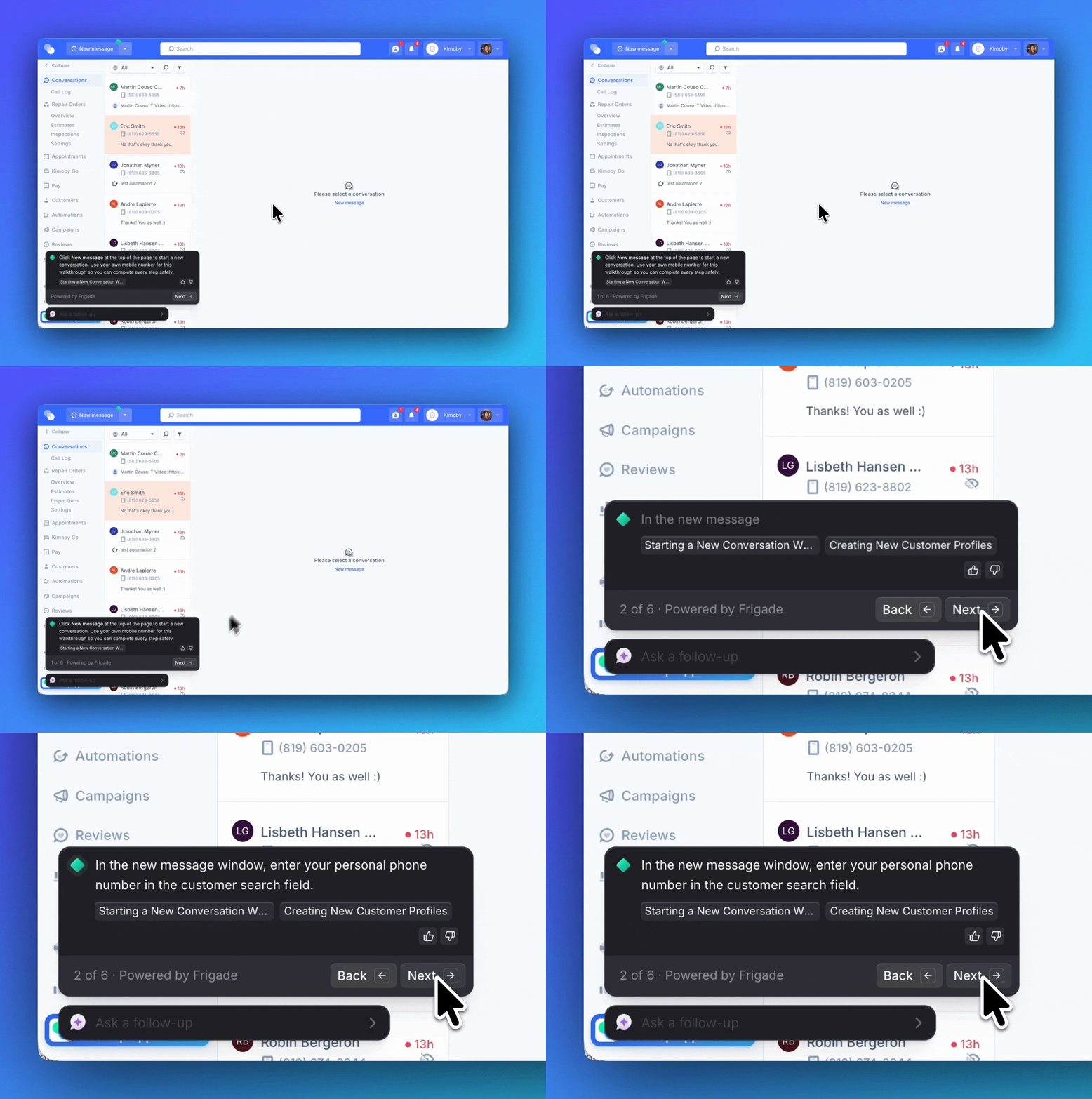
- How do I fill out an inspection on the web/desktop app?
- How do I fill out an inspection on the mobile app?
- How do I create an estimate from an MPI?
- How do I generate an MPI template from my existing inspection sheet?
- How do I create a campaign from previously declined work?
- How do I manage my workflow?
- How do I copy a parts list straight from my EPC or DMS when filling out an MPI or estimate?